
Import Partners From CSV
Prepare a partner CSV, import it into JV Copilot, and fix common import issues.
Use CSV import when you need to add many partners at once.
Before You Start
Prepare a CSV with partner names and valid email addresses. Add phone numbers only when partners should be able to opt in to campaign SMS updates.
Prepare The File
Keep the file simple:
- One partner per row.
- Separate columns for name and email.
- Optional columns for phone number, company, tags, or group information.
- No merged cells or extra notes above the header row.
JV Copilot detects common column names automatically, so you do not need to map them yourself.
Import The CSV
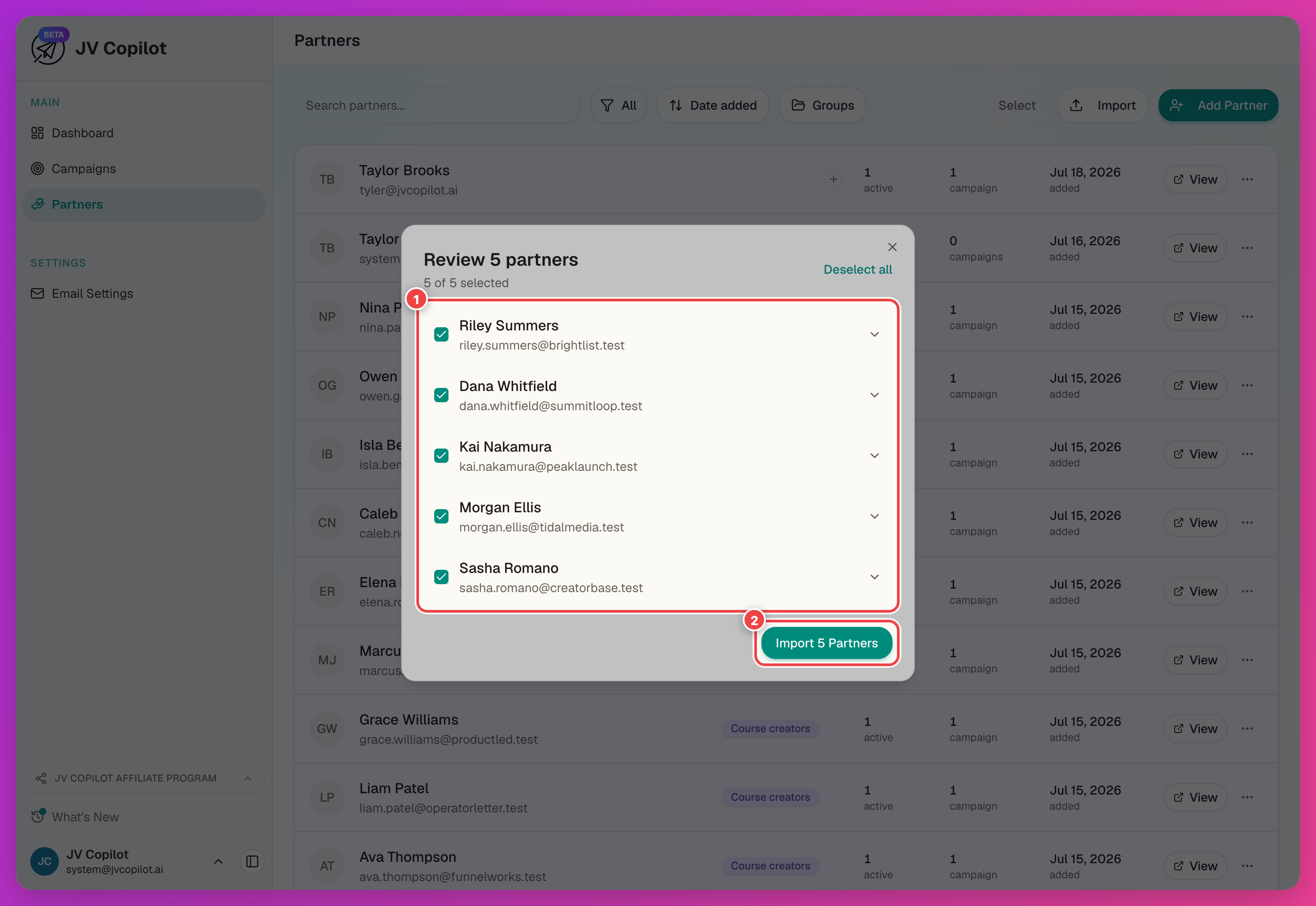
Review Imported Partners
After import, open a few partner profiles to confirm names and emails came in correctly. If you imported them for a specific campaign, open that campaign's partner list and confirm they appear there too.
Fix Common Issues
If the import fails, check for missing emails, duplicate header names, unusual formatting, or rows with extra commas.
If duplicates appear, search the partner database before importing again. Existing partners can be added to campaigns without creating new partner profiles.
Next Step
Create partner groups when you want to reuse the imported list across future campaigns.
Related Feature Guides
- Partner Database — searching, filtering, and managing partner profiles in depth.
- Partner Groups — creating and reusing groups of partners across campaigns.
- Import Issues — troubleshooting failed imports, duplicates, and formatting problems.
Last updated on