
Partner Database
Create, import, edit, and manage reusable partner profiles.
The partner database stores contact details you can reuse across campaigns. Each campaign keeps its own partner status, send dates, and affiliate links.
The Partners Page
Open Partners in the sidebar. From the toolbar you can search, filter by group, add partners one at a time, or import a list.
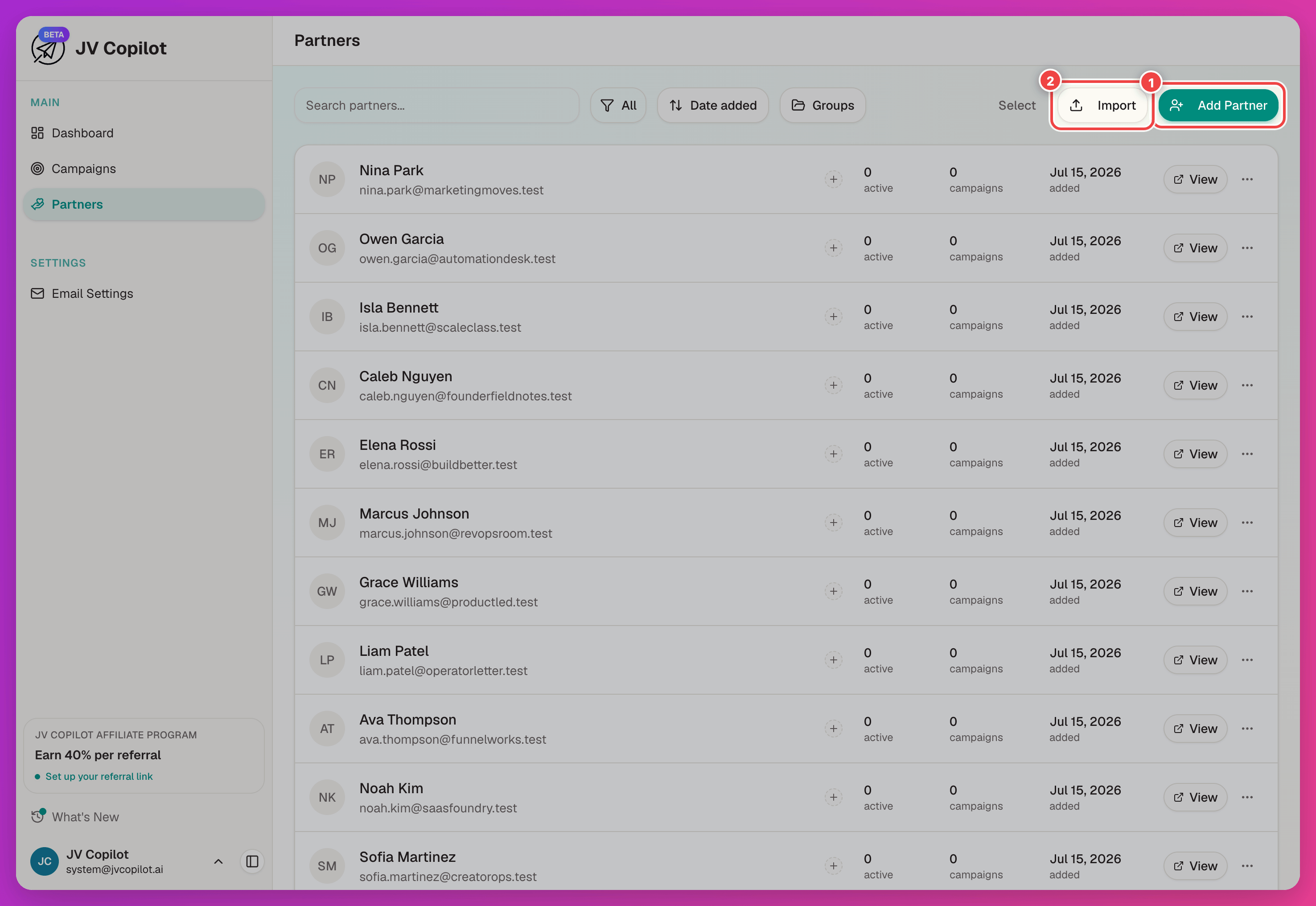
Create A Partner Manually
Click Add Partner and fill in the partner's name and email. Phone and notes are optional.
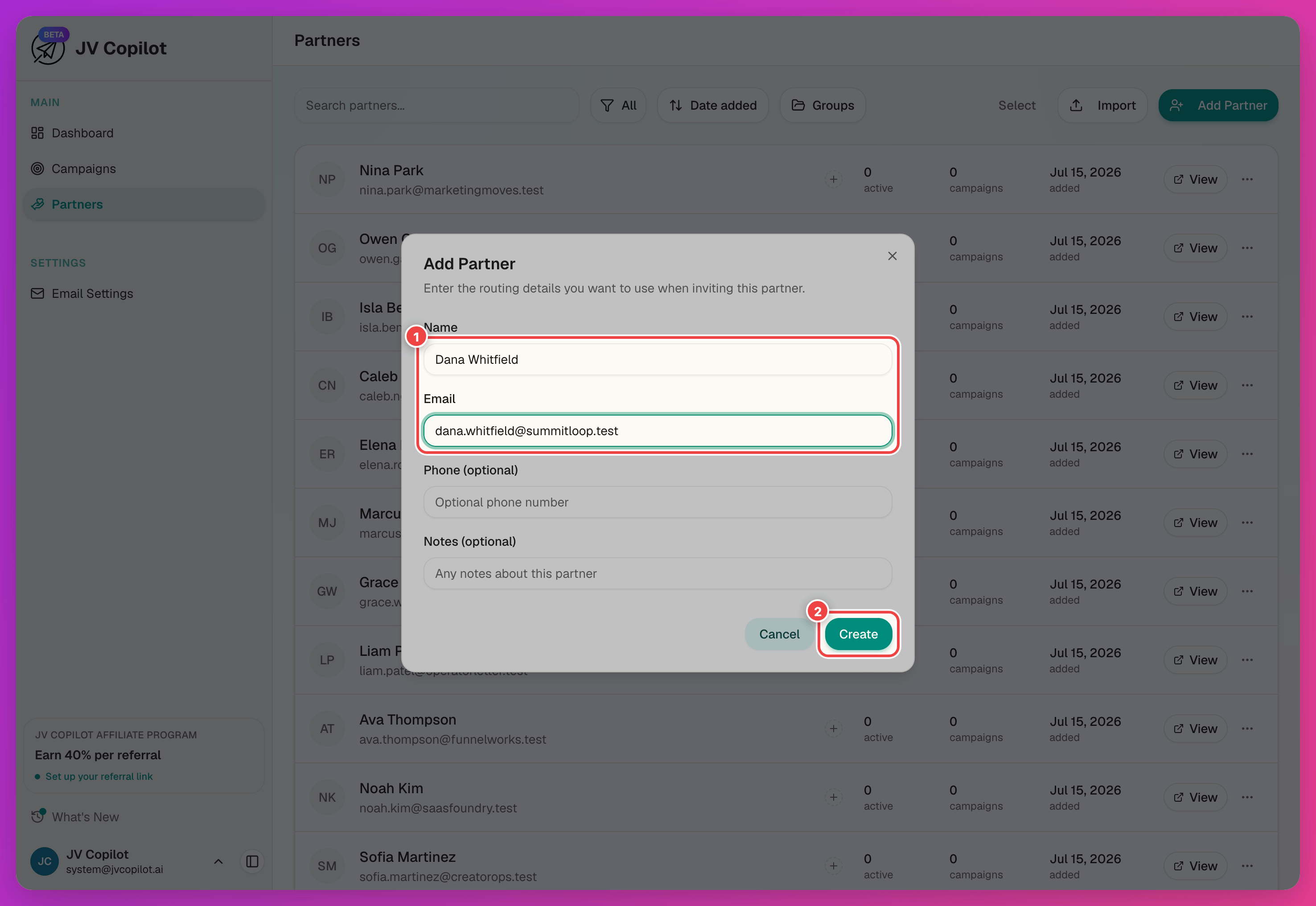
Use notes for context that applies across campaigns: audience size, previous results, relationship notes, or follow-up preferences.
Import Partners From CSV
Click Import to bring in a whole list from a spreadsheet. Any column names work — JV Copilot auto-detects and matches them, uses email addresses to catch existing partners, and shows detected duplicates before anything is saved.
For the step-by-step walkthrough (preparing the spreadsheet, mapping columns, handling duplicates), see Import Partners From CSV.
Export Partners To CSV
Open the ⋯ menu and choose Export CSV. Choose the columns to include; the export follows your current search and group filters. See Export Partners To CSV.
Edit Partner Profiles
Click a partner on the Partners page to open their profile, then Edit Profile to update details that should apply across campaigns. Add to Campaign brings them straight onto a campaign from here.
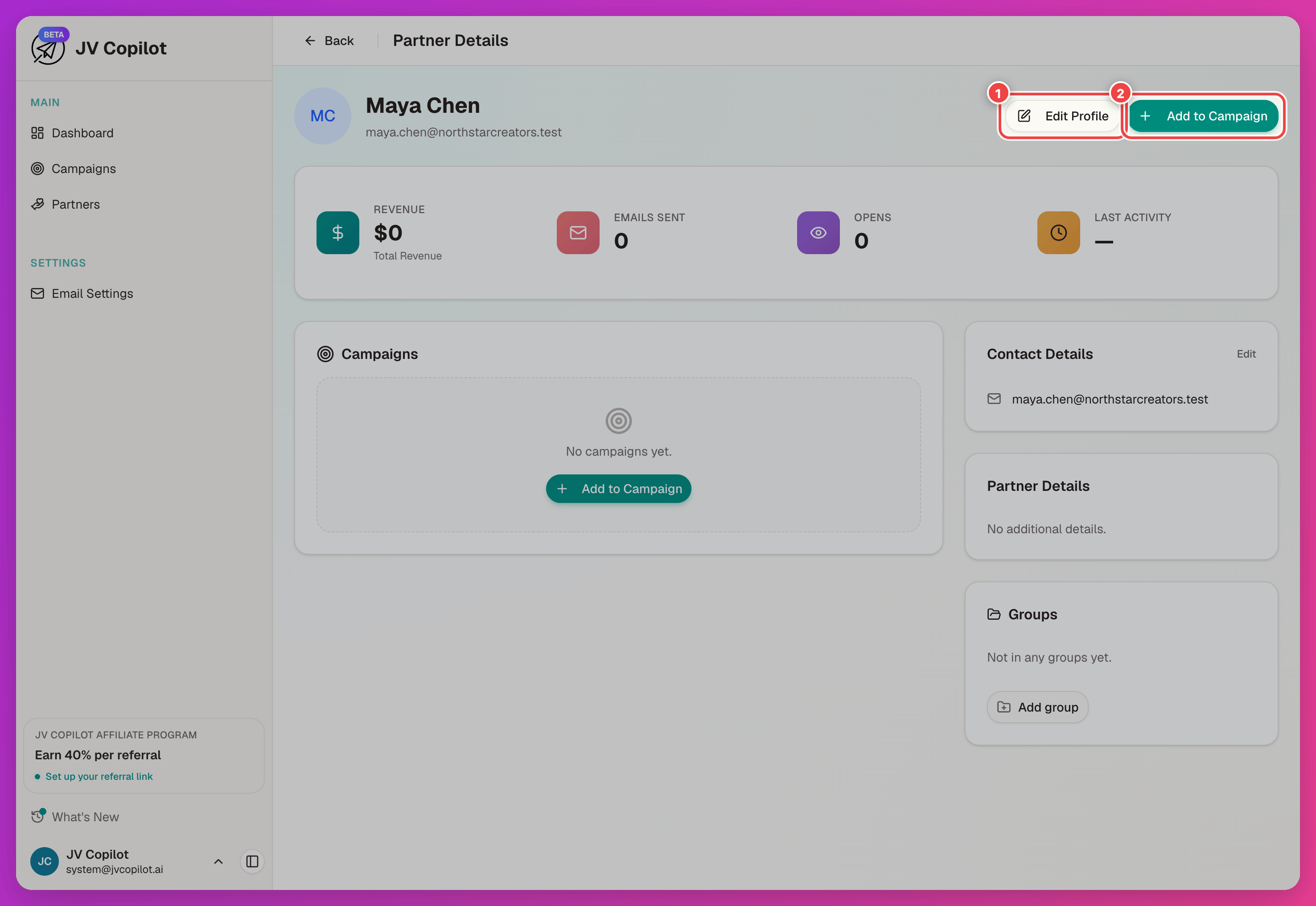
Campaign-specific fields — send dates, affiliate links, statuses — belong to the campaign partner record, not the global profile.
Partner Headshots
Partners can upload their own headshot from their dashboard — it's optional, and once set it appears on leaderboards and other partner-facing assets.
You can also set or replace a partner's photo yourself, from three places: the campaign leaderboard, a partner's campaign partner page, and the Rankings tab of leaderboard settings. Hover the partner's avatar to reveal a camera icon, then choose Set photo (or Change photo if one's already there).
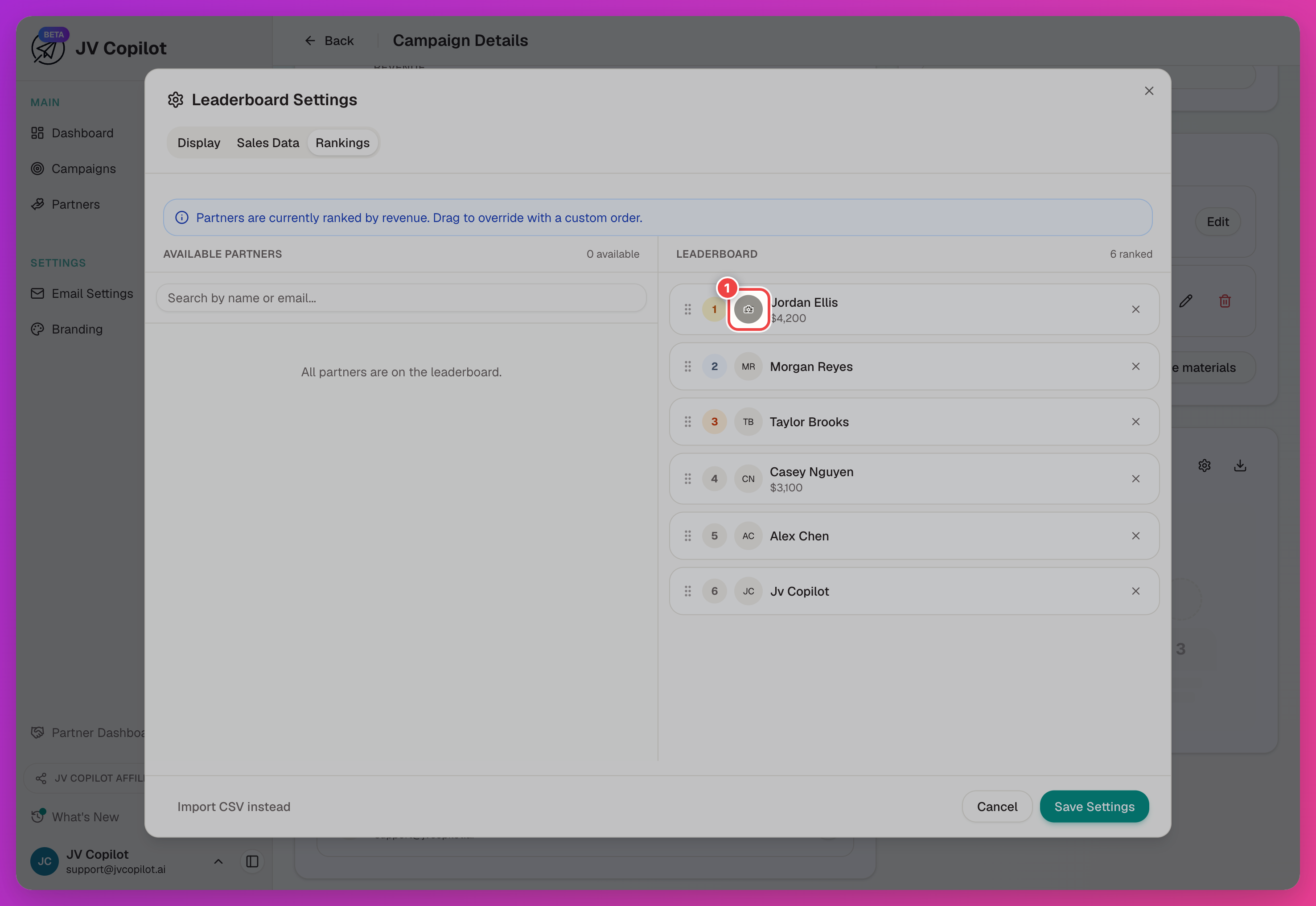
If you set a photo, it replaces the partner's upload everywhere in your workspace. To restore their photo, choose Use [name]'s photo. If they have not uploaded one, choose Remove photo to show their initials.
Changes partners make to their name, time zone, or photo appear in your workspace automatically. A photo you set remains in place until you remove it.
Last updated on