
Campaign Reminders
Check which emails follow your campaign dates and keep your promotion schedule current.
JV Copilot sends campaign reminders by email. Your chosen send dates determine when the organizer's reminders arrive.
Check Your Send Dates
Open Overview → Your schedule on your campaign dashboard. Each row shows a date, its email, and your progress.
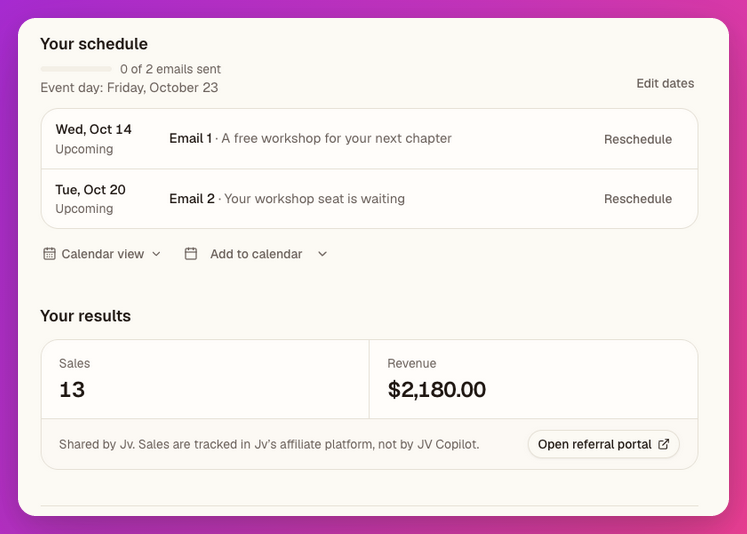
Use Edit dates or Reschedule if plans change, and Mark as sent after sending. See Calendar & Reminders to add dates to your own calendar.
Reminder Emails
The campaign can send an Invitation Reminder while you have not confirmed, a Kickoff before your first send, and Send-Day Reminder and Send-Day Follow-up emails around your chosen dates.
See Email Types Reference for the complete flow. If you need help with a campaign, contact its organizer from the dashboard's Help tab.
Last updated on