
Sending
How JV Copilot queues and sends campaign email, plus test sends and resends.
Once a campaign is live, JV Copilot sends its scheduled emails automatically.
Launch Queues The Flow
When you launch, JV Copilot can send Invitation emails to partners who have not been invited. It then sends the remaining emails according to each partner's status, activity, and send dates. See the email types reference for the full sequence.
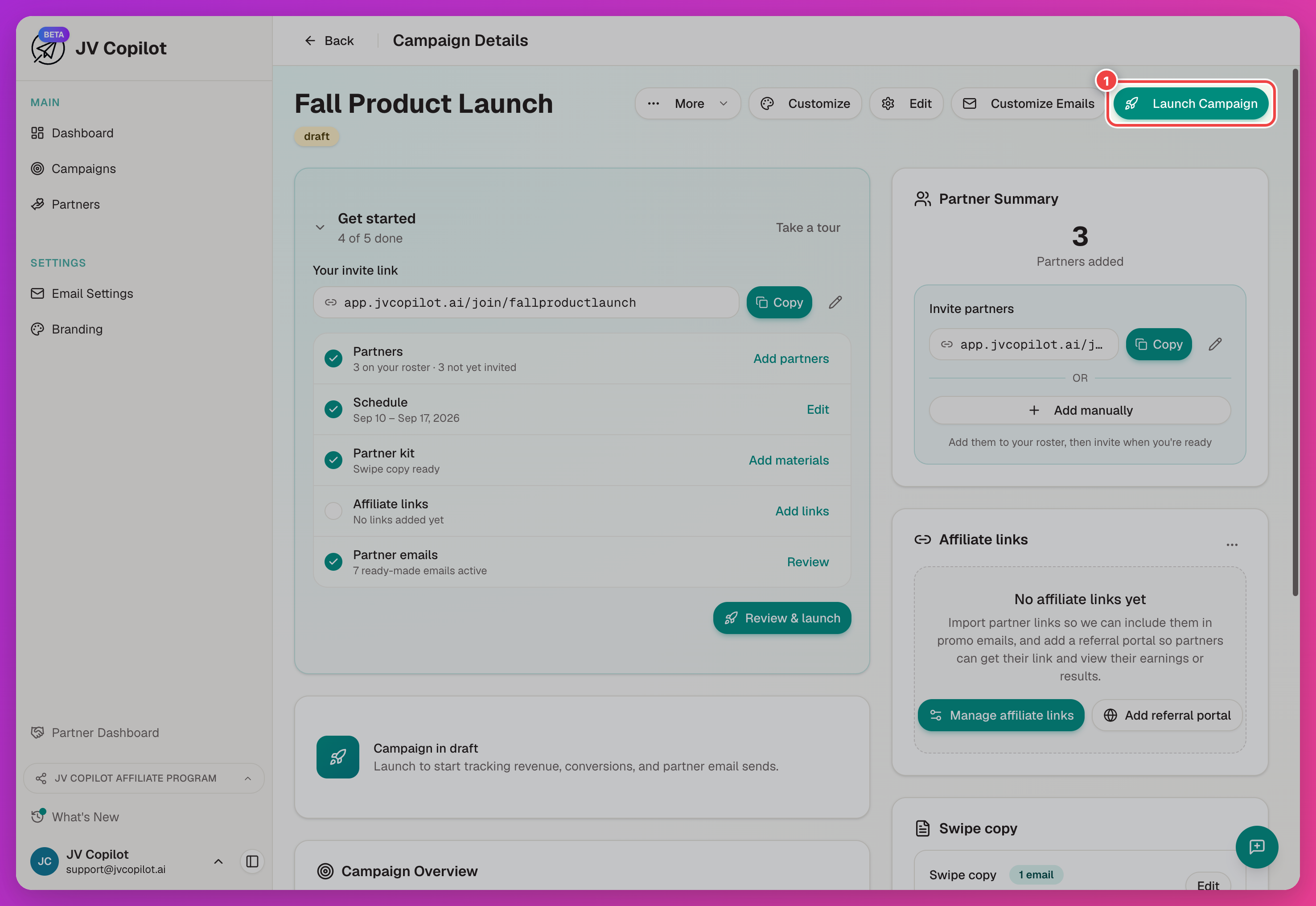
Launch sends partner emails
Confirming the launch queues real intro emails to every partner on the campaign. Double-check the partner list and intro email first.
Send A Test Email
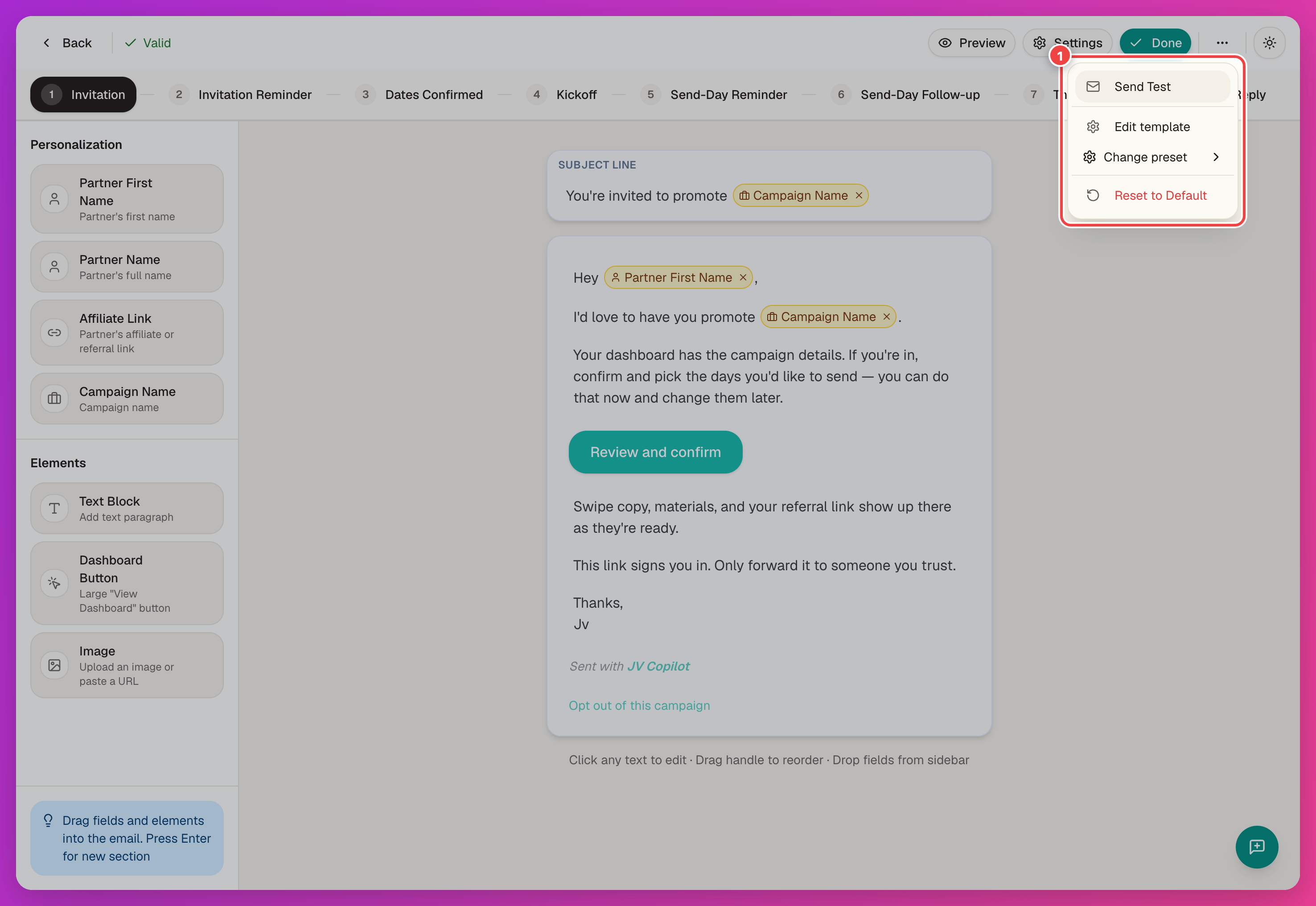
Before launch — or any time you change the copy — send yourself the email a partner would get. In the campaign email editor (Customize Emails), open the … (More options) menu and click Send Test.
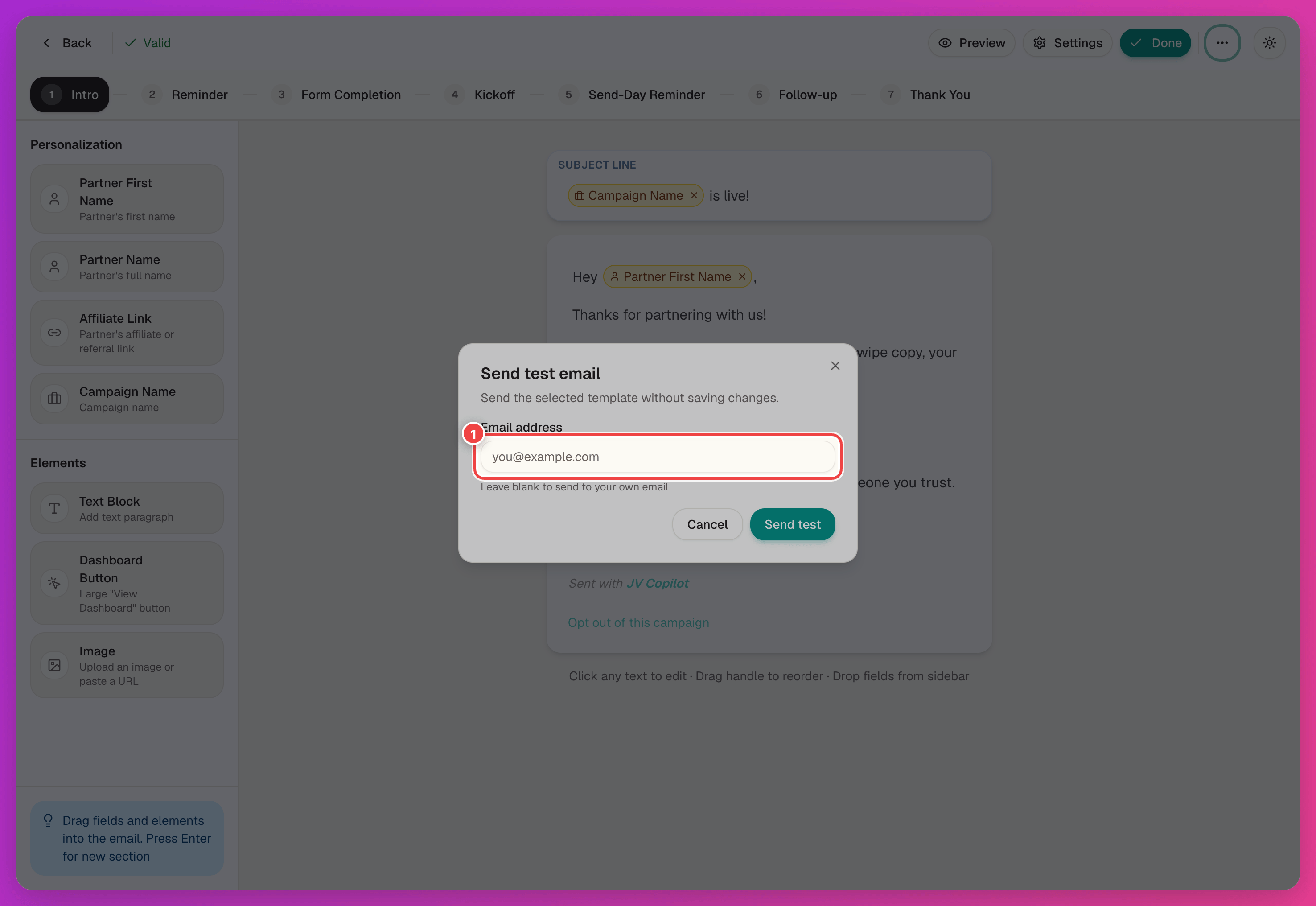
Check the result in your inbox: sender name, subject line, personalization tags, links, and formatting.
Resend To A Partner
Automated sends cover most cases, but you can also resend by hand from a partner's row on the campaign page. Open the actions menu (…):
- Resend invitation — sends the confirmation invite again.
- Email dashboard link — sends the partner a new dashboard access link after the campaign launches.
See Campaign Partners for the full actions menu.
Sender Identity
Every email in the flow goes out under your workspace's sender identity — the from name and reply address partners see, regardless of which email in the flow they're reading.
Last updated on