
Team Members
What team members can see and do in your workspace, what each permission means, and how to change or remove someone.
A team member is anyone you've invited into your workspace. They sign in with their own account and work in your workspace. Adding team members is free — to add someone, see Invite A Team Member.
What Team Members Can See And Do
A member sees the same view you do: campaigns, partners, the dashboard, and email settings. Day-to-day campaign work needs no special permissions.
A few things stay restricted:
- Billing and the affiliate program belong to the workspace owner's account and never appear for members — see Workspace Basics § Adding People Is Free.
- Workspace settings, sender identity, payouts, and member invites require the Workspace admin permission.
Permissions
Permissions are set when you invite someone, and can be changed any time after. A standard member — nothing checked — can do everyday campaign work. The options add to that:
- Partner portal access — lets them open the partner-facing campaign portal when this workspace is the invited partner.
- JV Copilot affiliate program access — lets them view and manage this workspace's affiliate program.
- Workspace admin — both of the above, plus workspace settings, sender identity, payouts, and member invites.
Your Member List
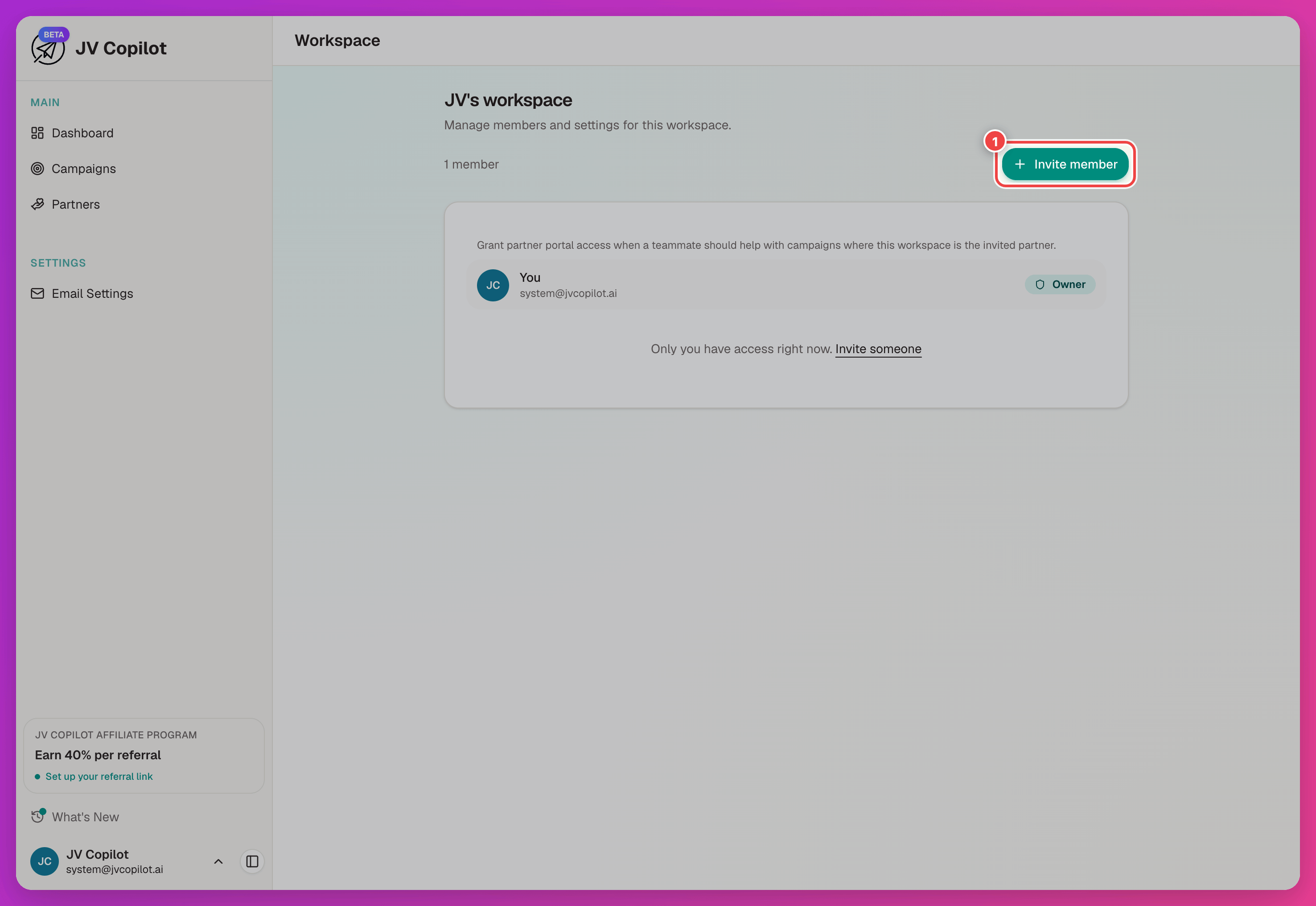
Open the user menu in the sidebar footer and choose Workspace to see everyone in the workspace, each person's role, and any pending invitations.
Change Or Remove A Member
Use the actions menu (…) on a member's row to adjust their permissions, make them an admin, or remove them from the workspace.
Removing a member removes their access only — every campaign and partner they worked on stays in the workspace.
Last updated on