
ThriveCart (Beta)
Import approved ThriveCart affiliates and their product links into a campaign.
Connect ThriveCart to bring approved affiliates and their product links into a JV Copilot campaign. New approvals for linked products sync automatically.
Sales and commissions are not synced during the beta.
Connect
- Open Settings → Integrations → ThriveCart and click Connect ThriveCart.
- Sign in to ThriveCart and authorize JV Copilot.
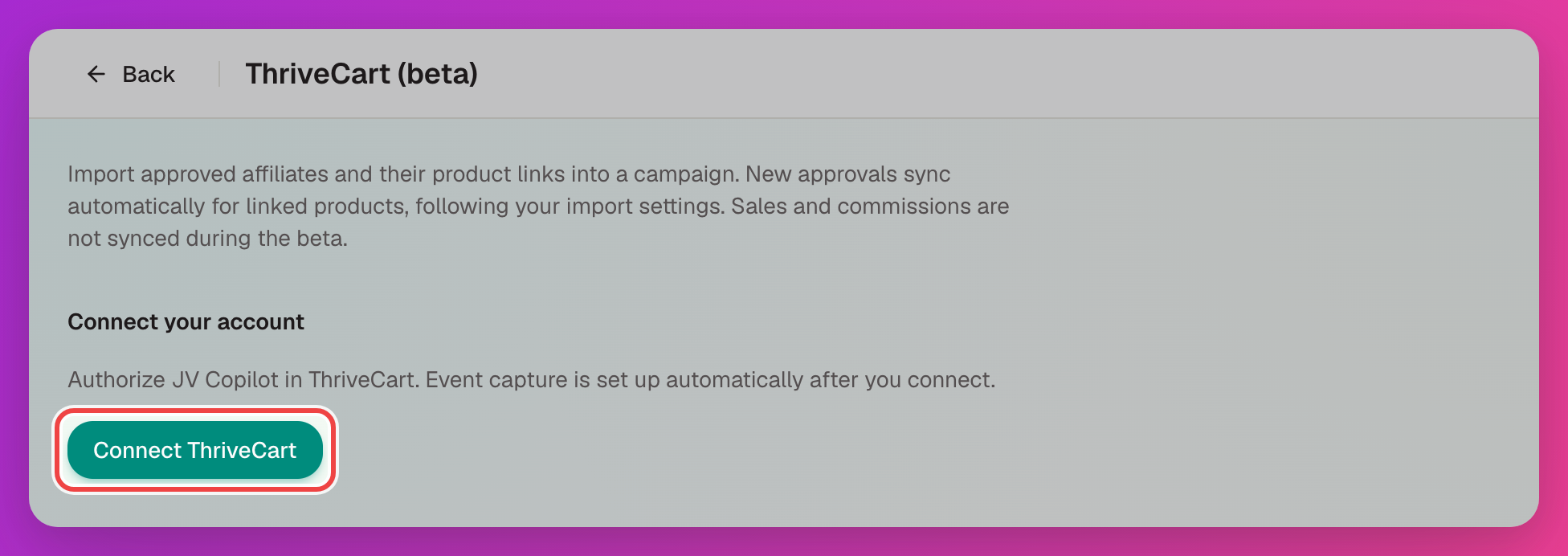
JV Copilot sets up event capture in ThriveCart after you connect. To connect another ThriveCart account, click Connect another account and switch accounts with the Account menu.
Import Partners And Links
- Under Import partners and links, click Refresh products if a product is missing.
- Choose the ThriveCart product and the JV Copilot campaign.
- Click Preview partners to check who will be imported and whether each has a product link.
- Click Import partners and links.
Only affiliates approved for the product are imported. Existing partners are matched by email, and links you set by hand are kept.
Link A Campaign
To keep a campaign in sync, set its Affiliate provider to ThriveCart when you create it, or from Affiliate provider on the campaign. Choose the Product. New approvals for that product are added to the campaign as partners with their product links.
Webhook Activity
Webhook activity lists the events ThriveCart has sent. If event capture isn't connected, click Retry event capture setup. Sale and commission events are captured for review only and don't change campaign totals.
Disconnect
Click Disconnect on the ThriveCart page. Imported partners and links stay in JV Copilot.
Last updated on