
Getting Started
From your invite email to your first promo sent.
This walkthrough takes you from your campaign invitation to your first promotional email. Being a partner is free.
1. Open Your Confirmation Link
Click the confirmation link in your invite email to open the confirmation form.
Use the email your invite was sent to
Your link is tied to the email address it was sent to. If you're signed in with a different email, you'll see "This invite was sent to a different email" — open the link from the account it was sent to instead.
2. Pick Your Send Dates
Choose when you plan to email your audience. You can select more than one date, but every date must fall within the campaign window.
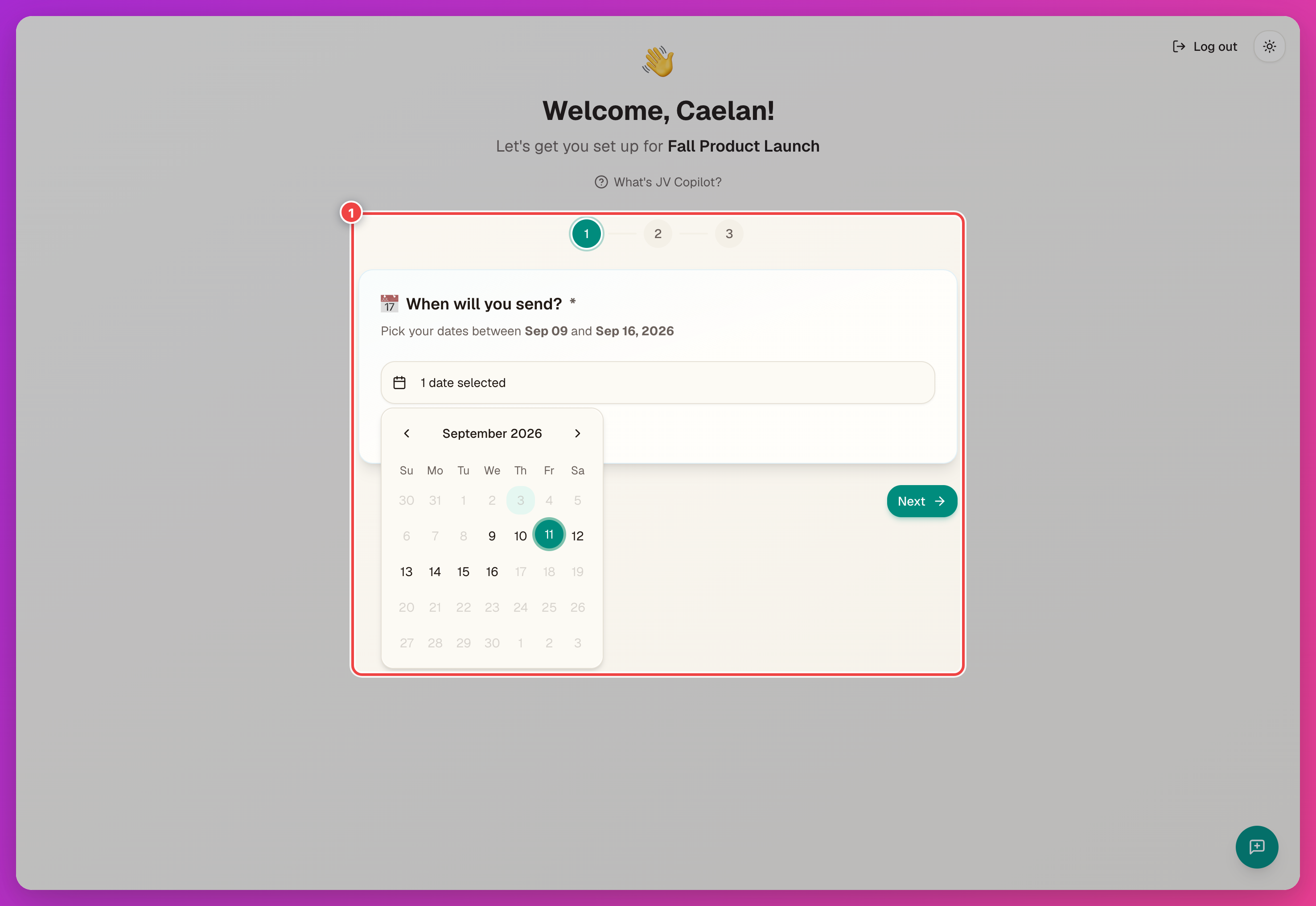
You can change these later — see Calendar & Reminders.
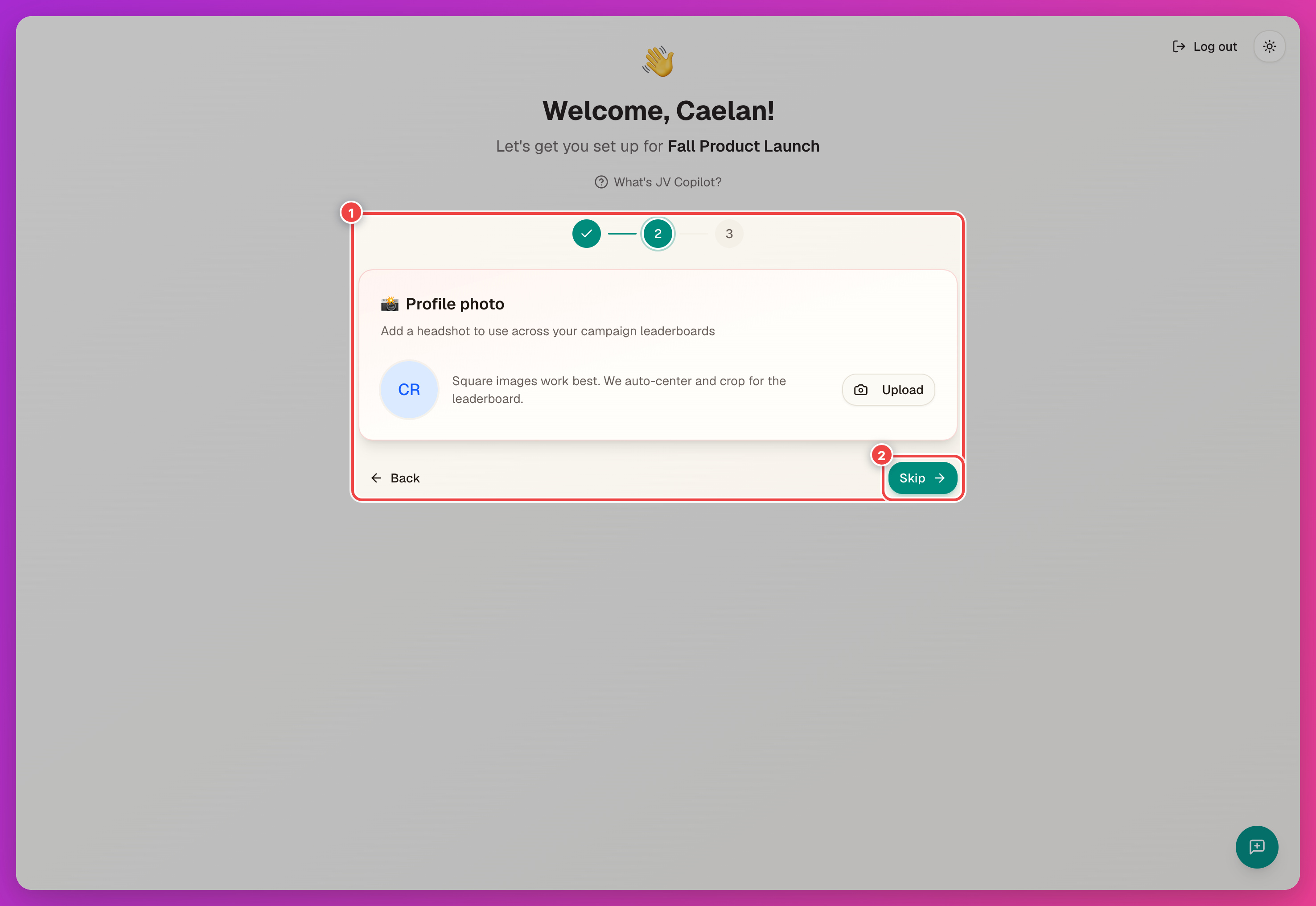
3. Add Your Photo
Add a photo — it appears on the campaign leaderboard, and square images work best. Click Skip to add it later.
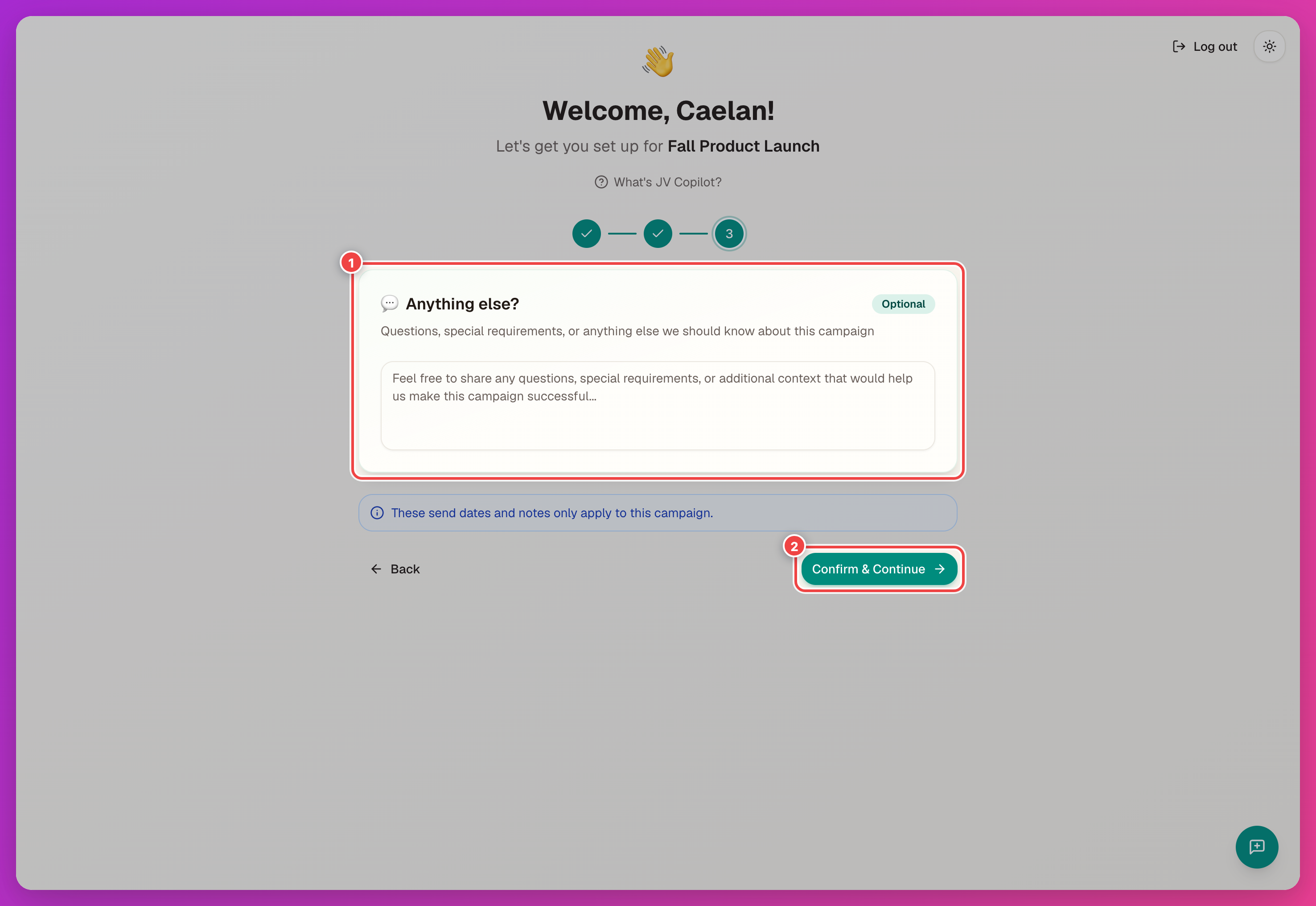
4. Confirm
Add an optional note for the campaign team, then click Confirm & Continue.
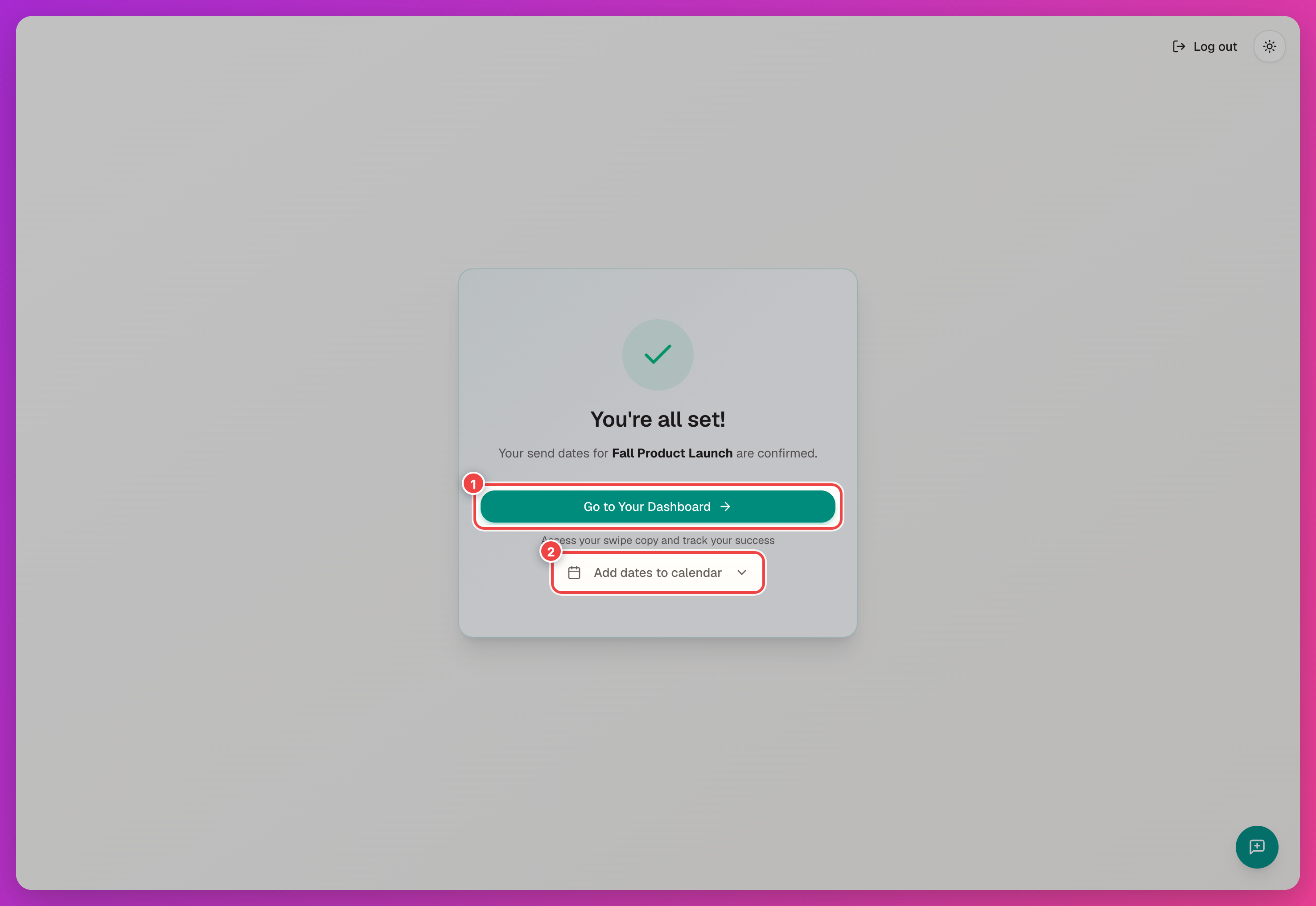
After confirming, you can:
- Go to Your Dashboard
- Add dates to calendar — sync your send dates to Google, Outlook, or Apple Calendar.
5. Finish Your Dashboard Profile
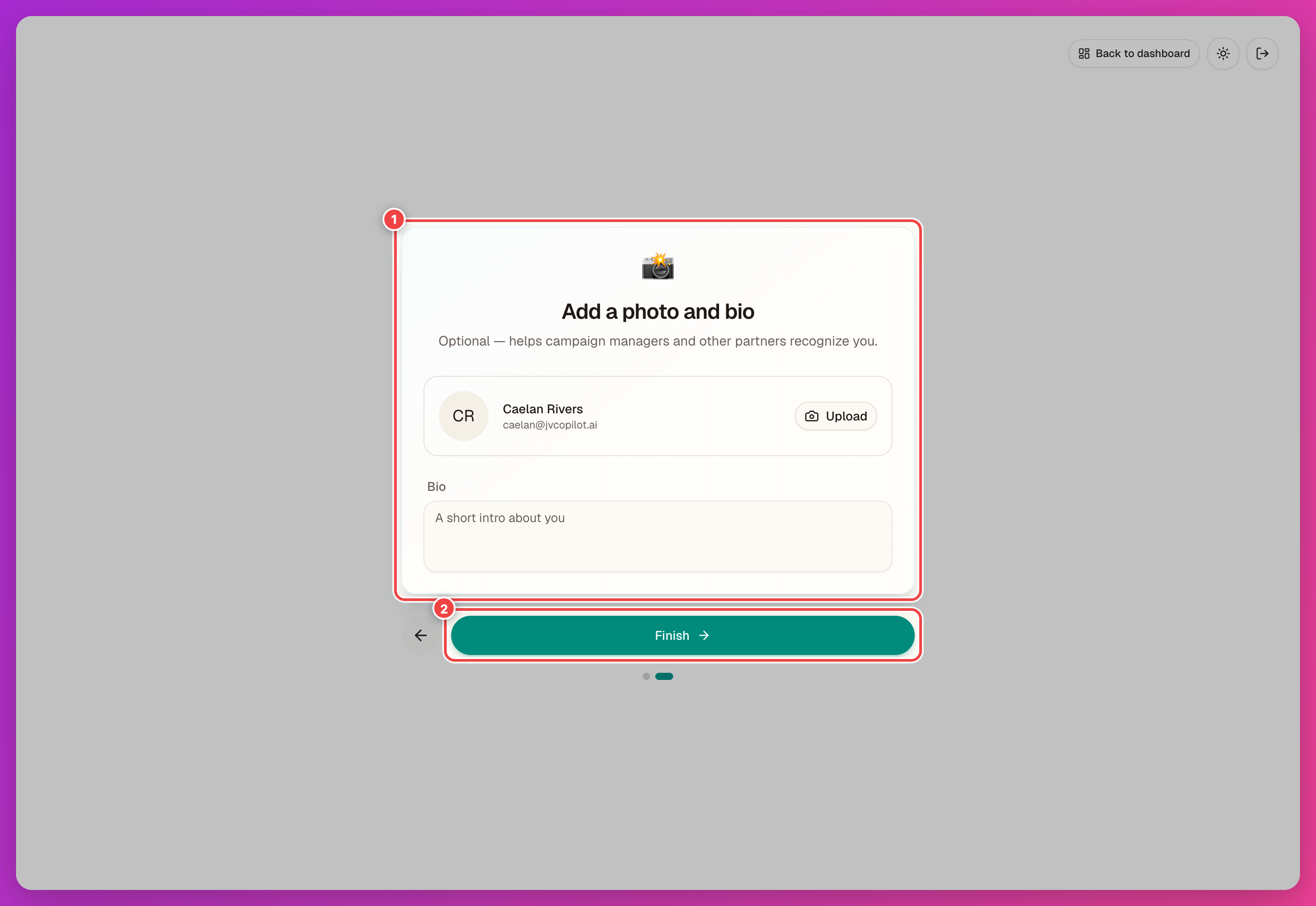
The first time you open your dashboard, add your name and, if you want, a photo and short bio. Then click Finish.
6. Set Up Open Tracking
Your stats card shows a Set up open tracking link if tracking isn't configured yet. Click it to paste a snippet into your email's HTML block — this lets JV Copilot count opens for your sends.
7. Send Your Promo Emails
When a send date comes up, everything is on your dashboard:
- Your affiliate link — the link that gets credited to you. Use it anywhere you promote the campaign.
- Swipe Copy — ready-to-send campaign emails with your affiliate link included. If an email contains placeholders such as
{{firstName}}, JV Copilot helps you set them up before copying.
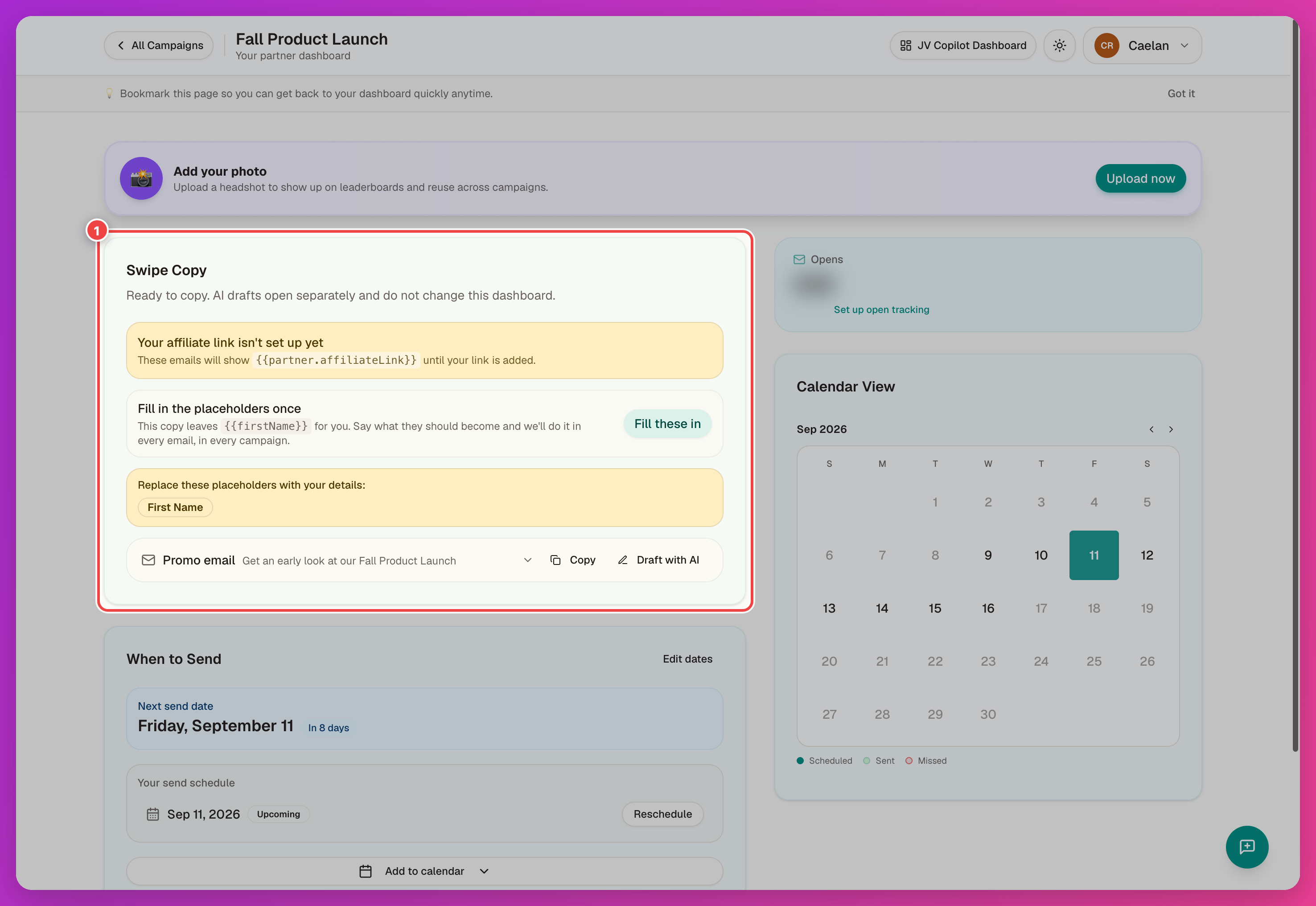
Placeholder setup, AI drafts, and send order are covered in Promo Emails.
Next
- Your Dashboard — a tour of everything on it.
- Calendar & Reminders — sync and reschedule your dates.
- FAQ — quick answers to common questions.
Last updated on